
The All-New Genesis of Cool Springs Luxury Facility Coming 2027
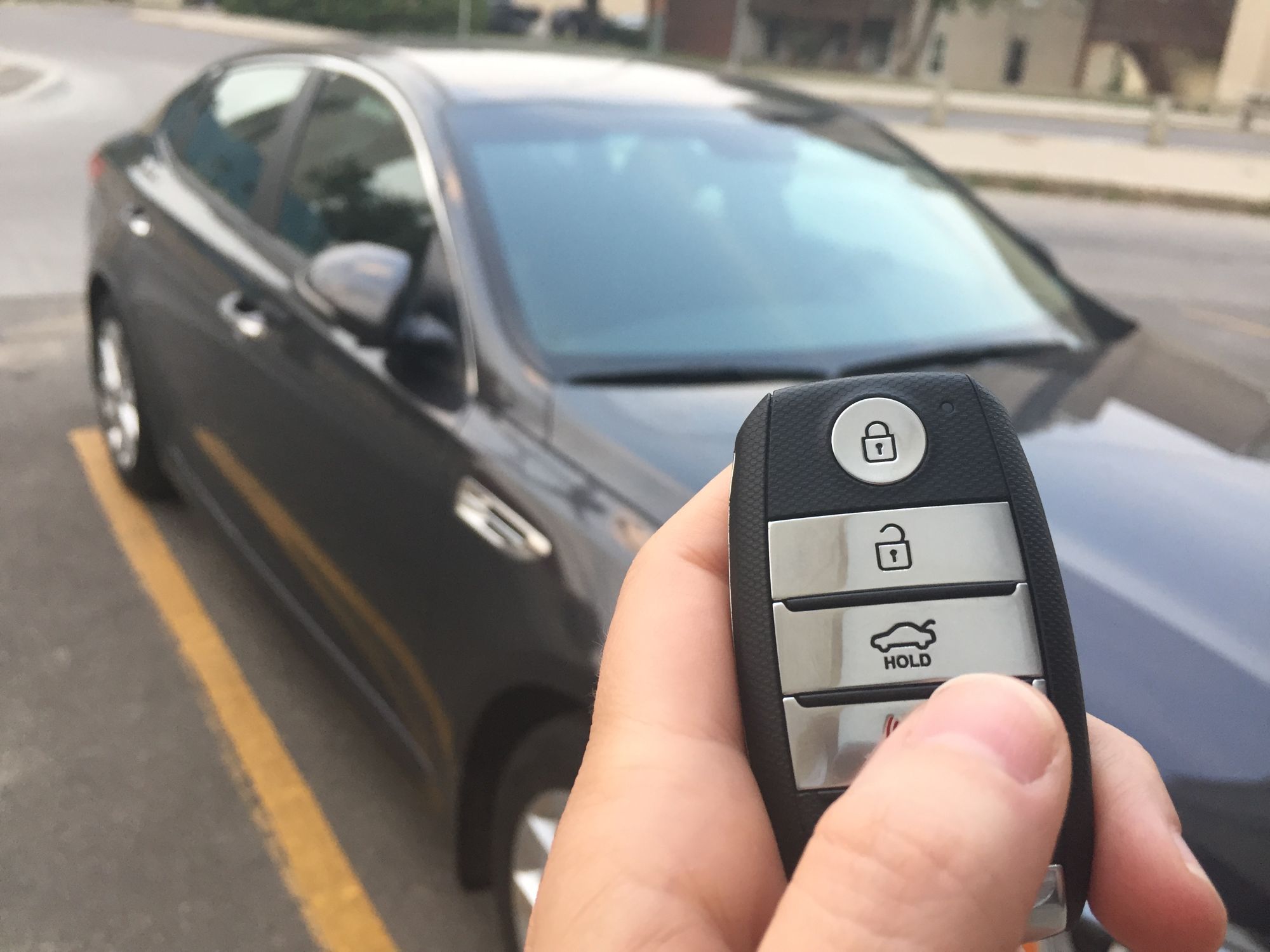
You press unlock in a parking lot and nothing happens. You try again a few steps closer and the doors unlock, and by the end of the week it takes two or three presses every time. That's usually a weak battery, and a Genesis key fob battery replacement is something you can do yourself once you know which battery your fob takes.
Most Genesis key fobs take a CR2032 or the larger CR2450 coin battery, depending on the model and year. To replace it, slide out the mechanical key or key ring piece, twist a small flat-head screwdriver in the slot along the seam, and set the new battery in facing the same way as the old one.
If your fob has a mechanical key inside, you can still get in. Press the release button on the fob, slide the key out, and use it in the driver's door lock.
To start the car, hold the fob against the start button and press the button with the fob. This backup works on many Genesis models even when the fob battery is too weak for anything else. Some models have a slot for the fob instead.
When a fob battery is getting weak, the fob works some days and not others, you have to stand closer to the car, or the doors stop unlocking when you walk up with the fob in your pocket. Some models also show a low key battery message on the instrument cluster.
The quickest check is your second fob. If it works normally, the problem is in the first fob. If neither works, check both batteries before anything else. Fobs that came with the car are the same age, so both can run low.
If your Genesis has touch-sensor door handles and the fob's buttons still work, the battery may be fine. The handle only responds when the fob is within 40 inches, and it may not respond if you're wearing gloves or the handle is wet from rain or a car wash.
Touch locking and unlocking at the handle can also get switched off by accident. Holding the lock and unlock buttons together for more than four seconds turns it off, which can happen in a pocket or bag, and one press of either button turns it back on.
A fob that has been sitting still for a while, like one in a bag on the passenger seat, may stop being detected until it moves. Pick it up and try again.
Earlier Genesis fobs take a CR2032, and newer fobs take a CR2450, which is wider and thicker, so the two aren't interchangeable.
| Model | Model years | Battery |
|---|---|---|
| G70 | 2019 to 2023 | CR2032 |
| G70 | 2024 to 2025 | CR2450 |
| G80 | 2022 to 2025 | CR2032 |
| G90 | 2023 to 2026 | CR2450 |
| GV60 | 2023 to 2025 | CR2450 |
| GV70 | 2025 | CR2032 |
| GV80 | 2022 to 2023 | CR2032 |
| GV80 | 2025 to 2026 | CR2450 |
You don't need a Genesis-branded battery. Any fresh battery with the matching number works.
Yes, and all you need is the right battery and a small flat-head screwdriver. Some fobs also have a tiny screw inside, which takes a small Phillips screwdriver.
Keep the new and old batteries away from children while you work. A swallowed lithium coin battery can cause severe or fatal injuries within two hours, so get medical help right away if you think one has been swallowed.
Keep the open fob dry and don't drop it while it's apart.
A fob can still fail with a good battery.
| What you notice | What it can suggest | Best next step |
|---|---|---|
| It stopped working right after the battery change | The battery may be upside down, which can drain it and stop the fob from working | Open the fob and turn the battery so it faces the same way the old one did |
| It works almost everywhere but fails in one spot | Strong radio signals nearby, or another car's fob being used close to yours, can interfere | Move a few spaces away and try again |
| It acts up next to your phone or inside a pouch | An active phone can block the fob's signal, and signal-blocking pouches and metal cases block it too | Keep the fob in its own pocket, out of any pouch or case, when you drive |
| Neither fob works, even with fresh batteries | A weak car battery can keep the car from recognizing the fob | Have the car battery tested through our Genesis of Cool Springs battery service |
| The fob got wet, sat in a hot car, or took a hard fall | Moisture and heat can damage the circuit inside, and so can a hard drop | Bring it to us so we can check whether it needs replacing |
We find out whether the problem is the fob or the car. Our factory-trained, ASE-certified technicians check the fob with a fresh battery, test the car's 12-volt battery, and use diagnostic equipment built for Genesis vehicles to confirm the car still recognizes the fob. If the fob has failed, our parts department orders a genuine replacement and we register it to your car.
If you bought or leased your Genesis new from us, your complimentary three-year Genesis Service Valet covers pickup and a loaner for qualifying service appointments in Franklin, Brentwood, Smyrna, Murfreesboro, and the surrounding area.